Five features users are loving in V6
See five Performance Leader V6 features users are loving, including drag-and-drop review building, built-in guides, objective updates, training diaries and custom AI prompts.
May 10, 2026
.jpg)
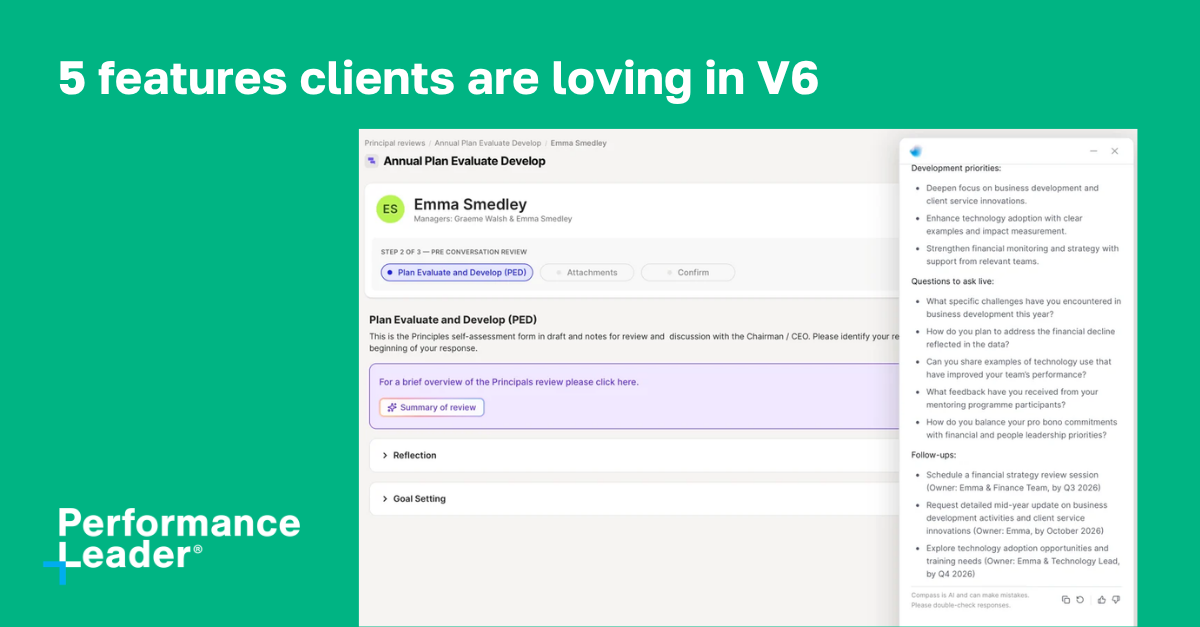
See five Performance Leader V6 features users are loving, including drag-and-drop review building, built-in guides, objective updates, training diaries and custom AI prompts.
May 10, 2026
Six months on, more than half of our clients have moved to V6 of Performance Leader, with another 30% upgrading in the coming weeks. There’s a long list of highlights, but these are the five features resonating most strongly with admins and users.
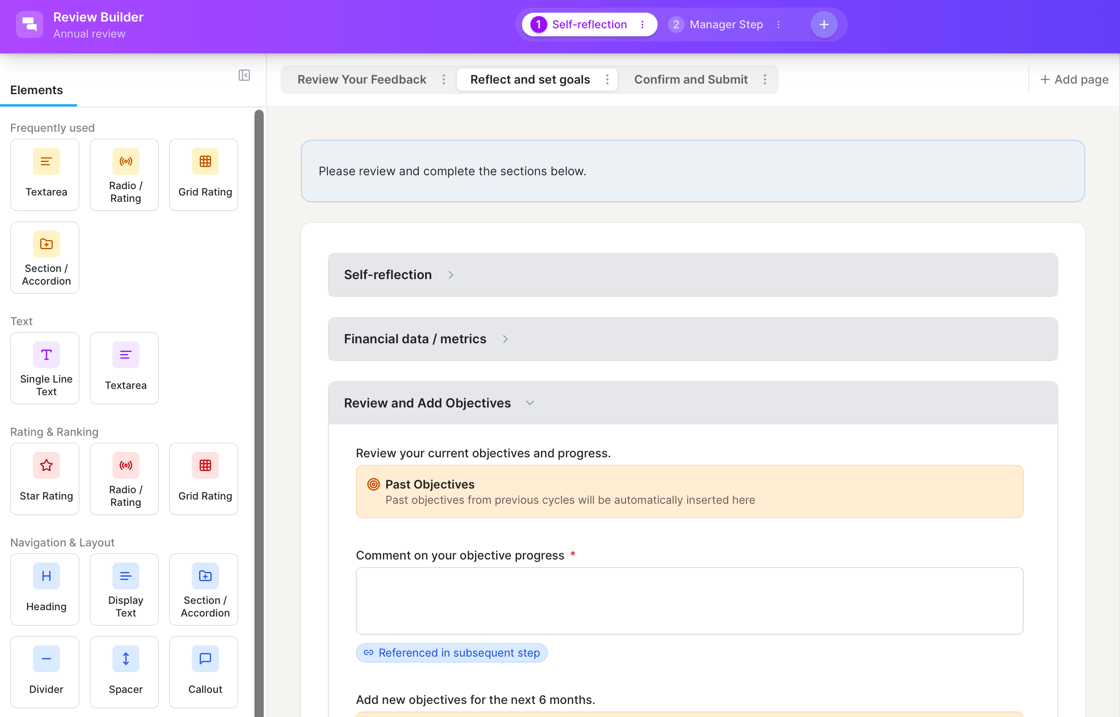
Building a review cycle in V6 is now a drag-and-drop experience, with folders to keep cycles organised. The result is HR teams configuring solo, often within their first week on the platform, and review-setup help requests are noticeably down.
For firms running multiple cycles across practice groups, that's meaningful time back. The increased ease and confidence also means more ownership and more critical processes simplified, consolidated or enriched with AI.

V6 includes embedded user guides that walk users through each module from inside the platform, so help arrives at the moment of need. The guides are smart – they use your firm language and are updated when features grow.
Several firms have linked the guides from their intranets and internal comms, replacing the need to create and maintain their own guides. One less thing for HR or L&D teams to maintain!

Firms invest substantial resources helping their people and partners create meaningful, aligned and actionable objectives. The challenge is ensuring objectives are reviewed and updated, which is even more important given the rapid change cycle we are in.
In V6 we introduced a quick update carousel that lets users swipe through their objectives and update them in seconds. Across V6 firms, we are seeing more frequent updates without admins chasing. Objectives stay live, rather than becoming an annual artefact.
Here's a 60-second demo of Quick Objective Updates in action.

CPD has long been the orphan of performance systems, tracked in a spreadsheet, a separate tool, or another team inbox. V6's training diaries bring it inside the platform.
Early Talent teams have adopted them fastest, with document upload and auto calculating targets the standout features. For firms with regulated CPD obligations, a single source for training records and performance signals is a practical win.

AI is most impactful to user when embedded in the flow of their work. The task is not to copy and paste content and prompts - it should be to evaluate consistent, high-quality outputs and take action.
V6 supports creating custom prompts and embedding them in the right spot within the review workflow. A popular use case is an actionable summary for reviewers at the start of their step. AI generates an executive summary across wins, growth areas, objective quality and financial contribution, and suggests an agenda for the conversation. The prep happens before the reviewer ever opens the form. For partners with twenty minutes between client meetings, that running start changes how the conversation lands.
If your firm is already on V6, your CSM can show you how other clients are putting these to use. If you are evaluating performance and feedback platforms, we are glad to walk you through V6 in practice.
Learn how Performance Leader helps leading firms to manage equity partner and employee contribution and reward